
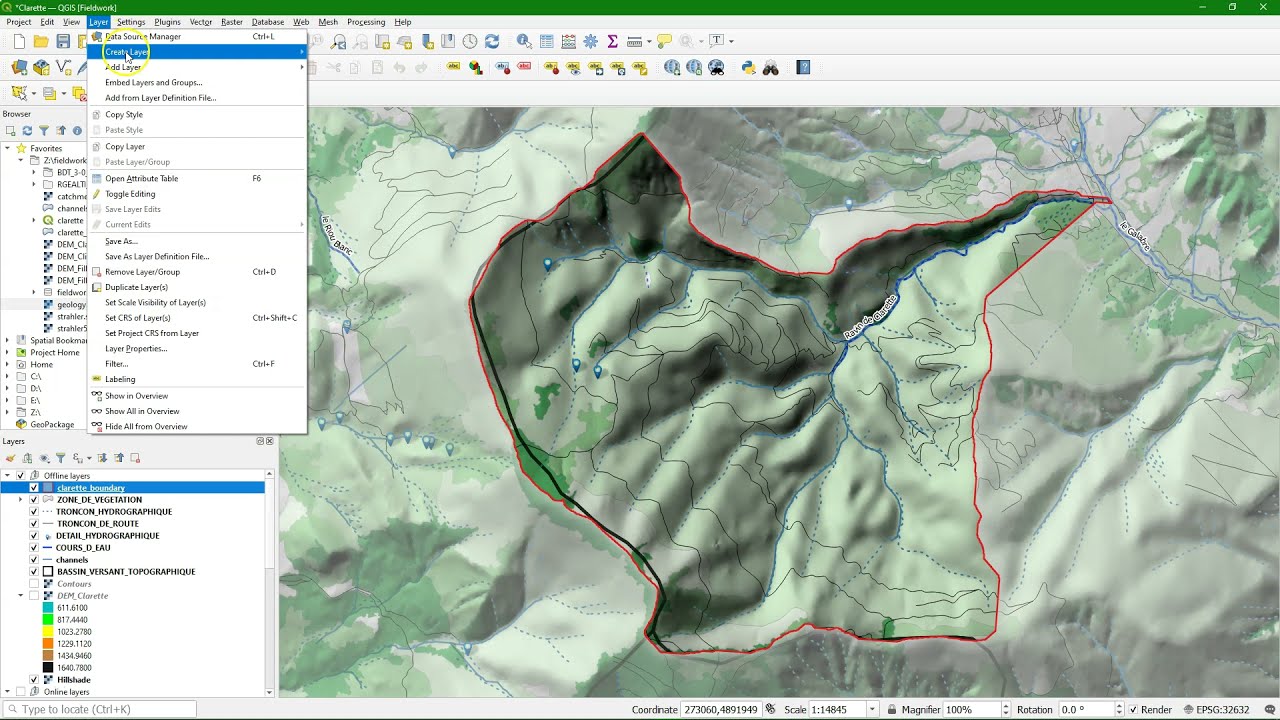
In this video we’ll explore data in the Géoportail of France. Next we add aerial photographs, topographical maps and administrative boundaries using OGC web services from Géoservices to QGIS. We’ll download the a 5 m RGE ALTI(R) DEM using an ftp link and delineate a catchment. Next we add vector data from BD TOPO(R). All datasets from IGN France. We also add a geological map from the BRGM InfoTerre portal. Finally we create a styled field map with a coordinate grid.
The video is part of the open course GIS for fieldwork on the GIS OpenCourseWare platform:
0:00 Introduction
0:14 Visualise data in the Géoportail
1:05 Use OGC web services from Géoservices
8:00 Download the RGE ALTI(R) DEM via FTP
15:59 Delineate catchment
28:02 Download BD TOPO(R) from Géoservices
39:03 Add the geological map from BRGM InfoTerre web services
44:18 Create a field map in the QGIS Print Layout
#QGIS #GISOCW